

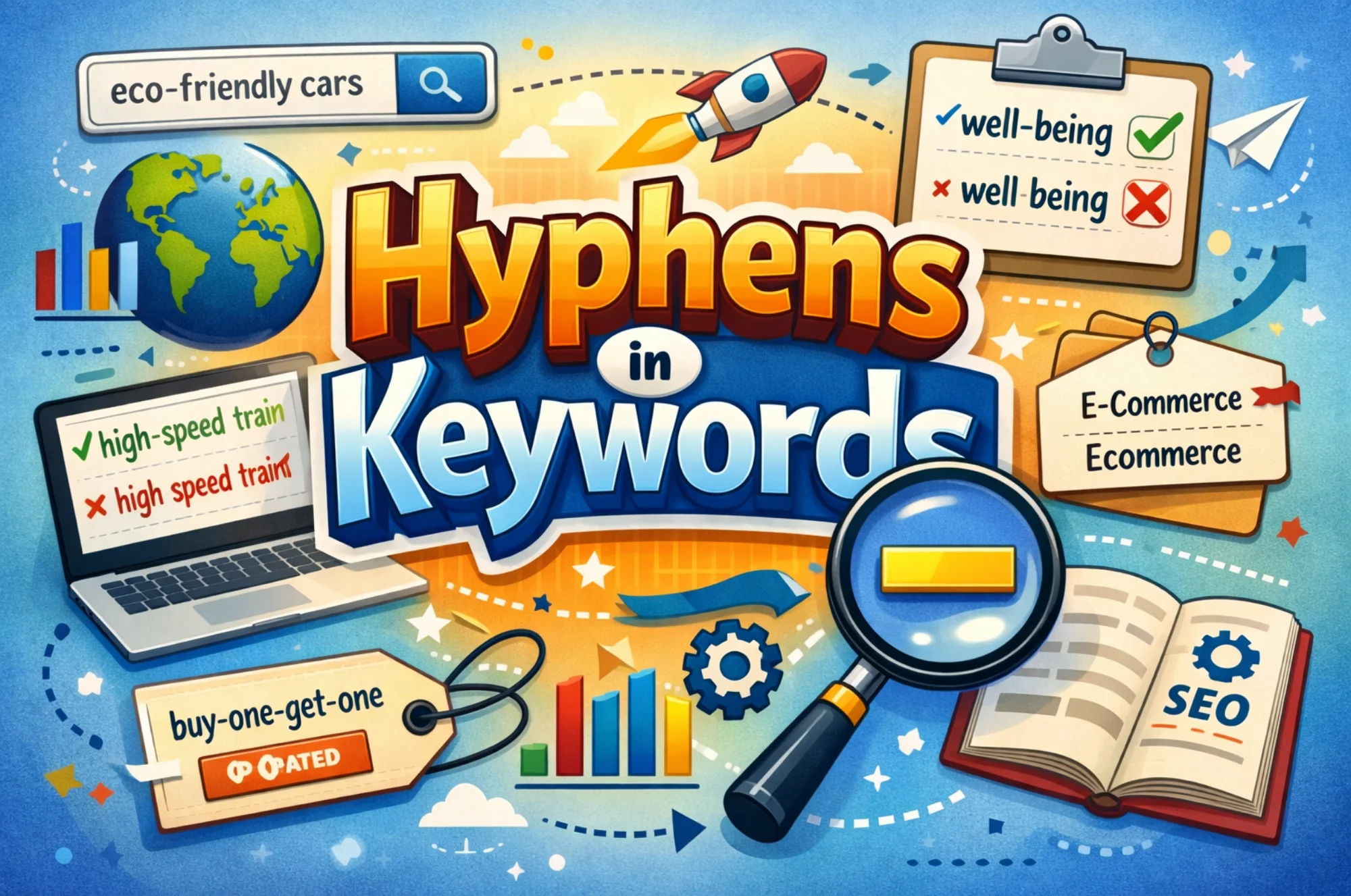
Hyphens help search engines understand the meaning of words in a URL by clearly separating each term. In SEO, hyphens in keywords mean using hyphens instead of underscores or merged words. This helps search engines read each keyword correctly.
When you separate words, web crawlers process the page topic faster and match it more accurately to a search query. Clear URLs also help users read links and predict page content before clicking.
At SSinvent, technical reviews often include checks on the URL Structure to improve clarity and indexing.
This guide explains how hyphens work, compares them to other separators, and shows how to use them correctly in URL structure.
Key Takeaways
- Hyphens help search engines read each word in a URL clearly, which improves how web crawlers match the page to a search query.
- Using hyphens instead of underscores keeps URLs readable and supports consistent interpretation across search systems.
- Clear URL structure does not directly increase rankings, but it strengthens indexing accuracy and organization.
- Keywords should appear in URLs only when they describe the page topic naturally and avoid keyword stuffing.
- Consistent formatting across folders, slugs, and domain structure helps maintain long-term search engine optimization performance.
Do Hyphens Affect SEO?
Hyphens do not directly increase rankings, but they help search engines read URLs. When words are clear, web crawlers can process each term more easily. Related technical factors that influence visibility are explained in this guide on how Google reviews help SEO.
Clear URLs also help users, as they can quickly understand what the page is about. Simple links are easier to remember and share by word of mouth, and over time, this leads to better structure and indexing.
How Google Reads Hyphens in URLs
Search engines treat hyphens as Word separators in URLs, which helps them understand each term inside a link. In practical search engine optimization, using hyphens in SEO keywords means writing URLs with clear, separated keywords.
For example, a URL like example.com/seo-url-guide clearly shows the topic because each word is distinct. According to John Mueller, Search Advocate at Google, hyphens help systems recognize individual words rather than combining them into a single, unclear phrase.
Search engines also analyze the parts of the URL, such as folders and slugs, to understand page structure. When you merge words without separators, you make the meaning less precise and can weaken the match to a Search Query.
Clear hyphen formatting makes the URL easier to read for both users and web crawlers. This improves consistency and helps pages appear correctly in Search Results.
Dash in the URL vs Underscore
When people refer to a “dash” in a URL, they’re typically talking about a hyphen ( – ), which is the character used in URL slugs. A true dash – whether an en dash or em dash – does not belong in URL structure. The distinction matters because hyphens and underscores behave differently in how search engines interpret the words around them.
Google treats hyphens as word separators. A URL like example.com/seo-url-guide signals three distinct terms: seo, url, and guide. Underscores, by contrast, have historically acted as word joiners, meaning example.com/seo_url_guide could be processed as a single concatenated string rather than three individual keywords. This reduces semantic clarity and weakens the match between your URL and the search queries you’re targeting.
Underscores are not broken or penalized outright, but hyphens remain the standard best practice and the format Google explicitly recommends. The reason consistency still matters is indexing reliability – clean, predictable URL formatting across your entire site makes it easier for web crawlers to process page relationships and categorize content accurately.
In practical terms, use hyphens as your default word separator in every slug. Reserve underscores for contexts where they’re conventional, such as file names or code, and keep them out of your URL structure entirely.
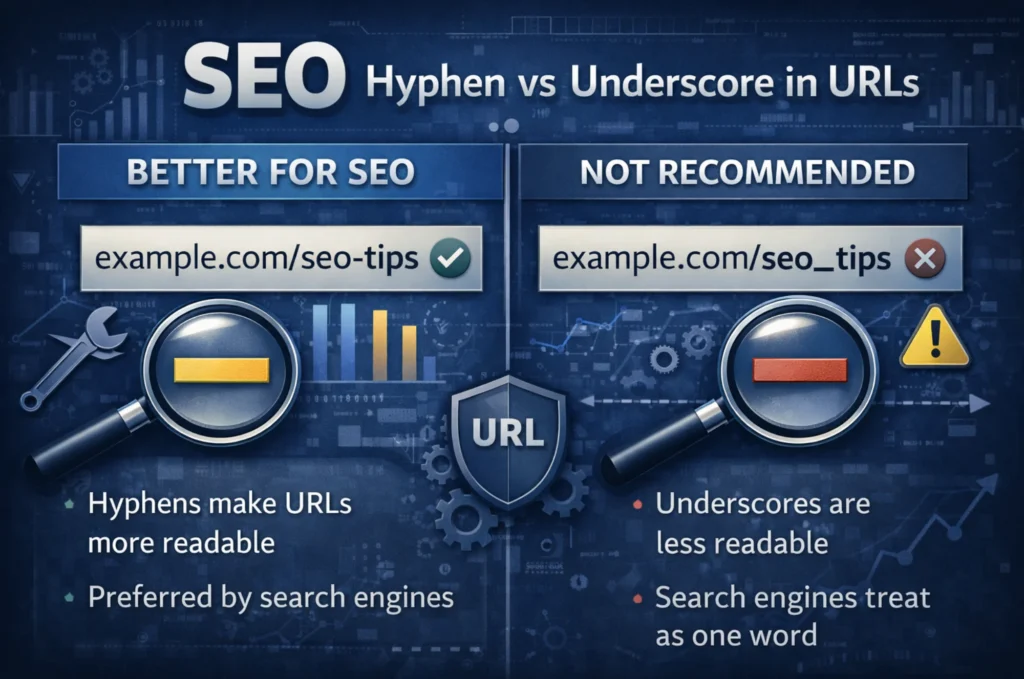
SEO Hyphen vs Underscore in URLs
The comparison between hyphens and underscores is about clarity. Hyphens separate words, while underscores often connect them. Clear separation helps web crawlers read meaning faster.
Industry professionals Rodrigo César and Christopher Cáceres often review URL patterns during technical audits. Their work focuses on clean structure and logical organization, helping to maintain stable indexing.
Underscore in URL SEO Impact
The underscore in the URL SEO topic explains how connected words may be harder to interpret. When words join, systems may treat them as one term, reducing semantic clarity.
Search engines can still understand many formats. However, a consistent format improves results over time. Remember that clear separators reduce confusion.
Keyword Readability and Indexing
Readable URLs facilitate better indexing. When keywords match the page’s topic, they reinforce relevance, helping systems connect content to the right search query.
Users also benefit from readable links, as a clear structure improves navigation and builds trust in the link format.
Google Hyphens vs Underscores URLs SEO Guidance
Google’s preference for hyphens over underscores is not just community convention – it has been stated directly by people inside the company.
Matt Cutts, who led Google’s Webspam team, addressed this explicitly, explaining that hyphens are easier for Google’s systems to read than underscores because they function as clear word separators. More recently, John Mueller, Search Advocate at Google, emphasized that hyphens help search systems recognize individual words within a URL rather than treating it as a single string.
Google’s own documentation on URL structure echoes this, recommending simple and readable URLs that use hyphens to separate words. While underscores are not flagged as an error, they are not the recommended format, and Google has never reversed its guidance on this point.
If you’re auditing an existing site that uses underscores throughout, migrating to hyphens with proper redirects is worth the effort – particularly for high-priority pages where keyword clarity in the URL supports the broader on-page signals.
Common URL Formatting Mistakes
Many sites have URL problems after redesigns or migrations. These mistakes often reduce clarity.
Common issues include:
- Mixing hyphens and underscores
- Creating long slugs with repeated terms
- Using keyword stuffing in URLs
These patterns make URLs harder to read.
SEO-Friendly URL Structure and Keywords
The URL Structure should describe the page using short and clear words. Logical folders help search engines understand relationships between pages. A clean structure also helps users navigate the site.
The technical structure also includes Top-Level Domains and folder levels, which organize content into categories. Good organization improves scalability.
Keywords in URL SEO Best Practices
Keywords should appear only when they clearly describe the page. Too many keywords reduce readability. Short and clear phrases work best.
Good practices include:
- Use short descriptive words
- Apply hyphens as Word separators in URLs
- Avoid extra parameters
These steps improve clarity.
Keyword Placement in HTML Tags
URLs should match important HTML elements. Titles and headings should reflect the same topic. This alignment strengthens context.
When multiple signals match the same Search Query, interpretation improves, and consistency supports search engine optimization.
URL Structure and Ranking Factors
URL formatting does not directly increase rankings, but it supports technical clarity. Clean structure helps web crawlers process pages faster, reducing indexing errors.
Elements such as hyphens in domain names and folders affect readability. Clear structure improves organization.
Examples of SEO-Friendly URLs
Examples help explain technical ideas quickly. Clear formatting shows how small changes improve interpretation. They also help teams apply best practices faster.
Simple structures help users understand links before clicking. This improves navigation and trust. Correct vs Incorrect URL Examples
Correct format:
example.com/seo-url-structure-guide
Incorrect format:
example.com/seourlstructureguide
The first version uses clear Word separators in URLs. This makes the topic easier to understand.
Hyphens in URLs FAQ
This section answers frequently asked questions about URL formatting. Short answers help users find quick guidance, promoting the visibility of featured snippets.
Clear answers improve readability.
Are Hyphens Better Than Underscores?
Hyphens are usually better because they separate definitive words clearly. This makes processing easier for Google Search systems. Consistent structure improves clarity.
Should Keywords Be in URLs?
Yes, but only when they describe the page naturally. A URL like example.com/bathroom-remodel-cost works because the keyword reflects exactly what the page covers. A URL like example.com/bathroom-remodel-bathroom-renovation-cost-guide crosses into keyword stuffing, which adds no value and makes the URL harder to read for both users and crawlers.
The practical rule is to use the primary keyword once in the slug and keep everything else short and descriptive. If a keyword doesn’t fit without forcing it, leave it out. The URL should describe the page, not try to rank on its own.